Exclusively for iPhone. LIVEO is in development. Join the launch list for news of the public release.
Join the iPhone launch list.
About LIVEO
LIVEO is an iPhone-first app for sharing what’s happening where you are. We’re testing the camera, the stream wall and the conversation around each broadcast with our team before public launch.
Inside the test build
Go live from your iPhone
The yellow camera button opens a private preview. Frame your shot, switch cameras or adjust zoom. Go Live starts a one-way broadcast on the wall and your profile. Viewers can watch and listen without turning on their own cameras.
Browse the stream wall
Scroll through two columns of edge-to-edge tiles. Live video previews play muted. Low Bandwidth Mode limits the wall to one moving preview. Tap a stream to open its player, or swipe up from the bottom of the player to read and send comments.
Explore by location
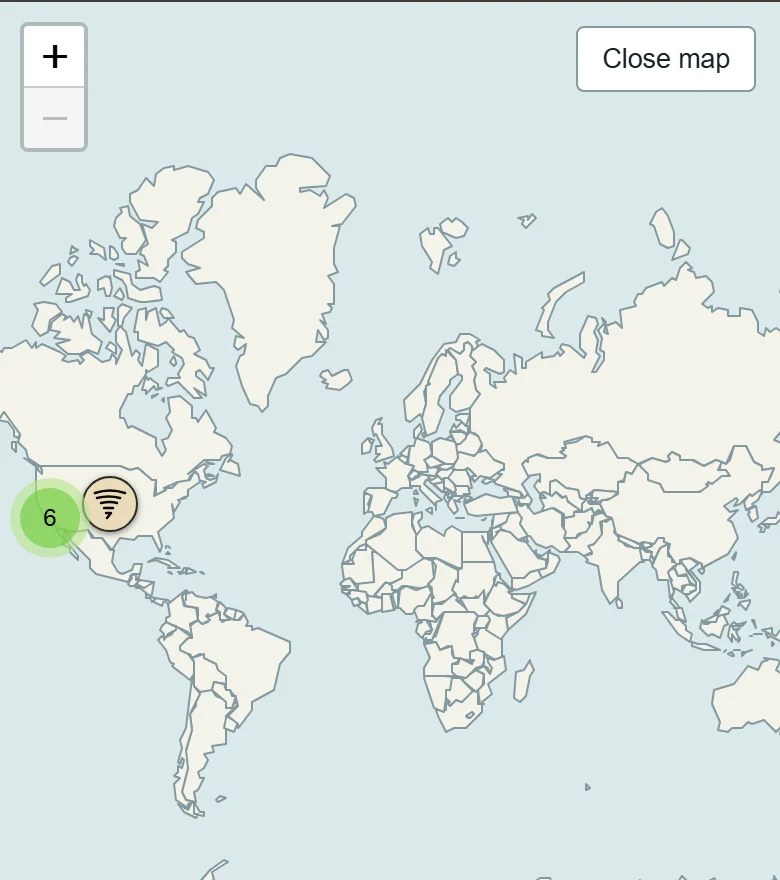
Open the globe to find curated cameras, weather and regional watches. Each watch has a marker for its coverage area. Broadcasters can turn on approximate location sharing for their own stream.
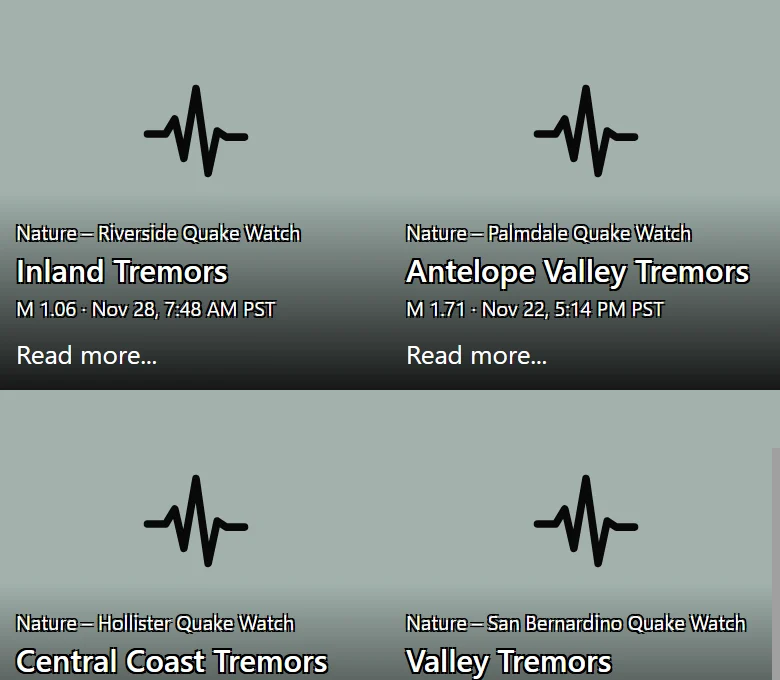
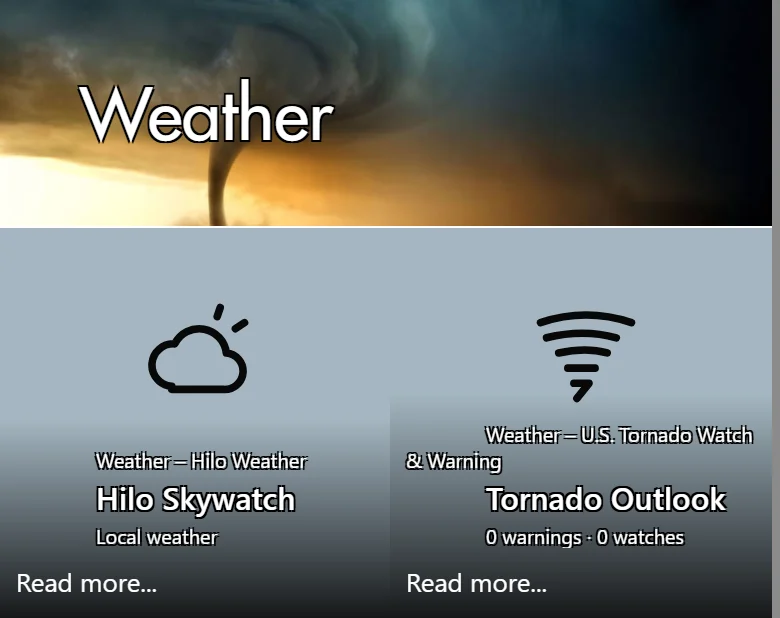
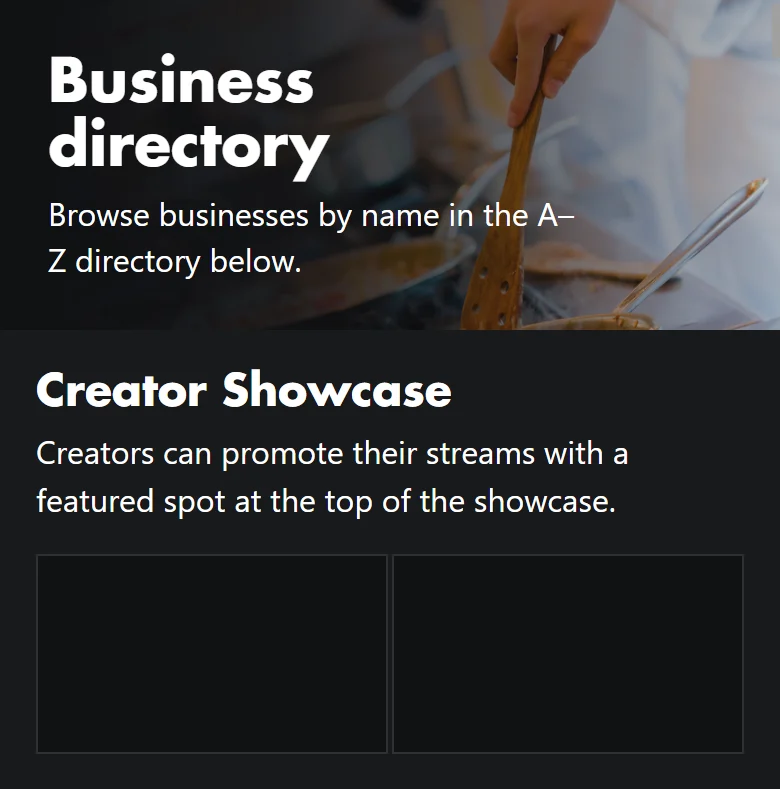
Regional watches on the stream wall · Test buildChannel locations on the world map · Test buildBrowse by category. Expand Weather or Nature to see its channels in place. In regular mode one visible camera can preview as you browse.Explore VIP. Browse the A–Z directory and preview the Creator Showcase. Memberships are still in development.
For internal testing and design review. On your iPhone, open the testing version in Safari. Tap Share, then Add to Home Screen. Turn on Open as Web App if shown, then tap Add.